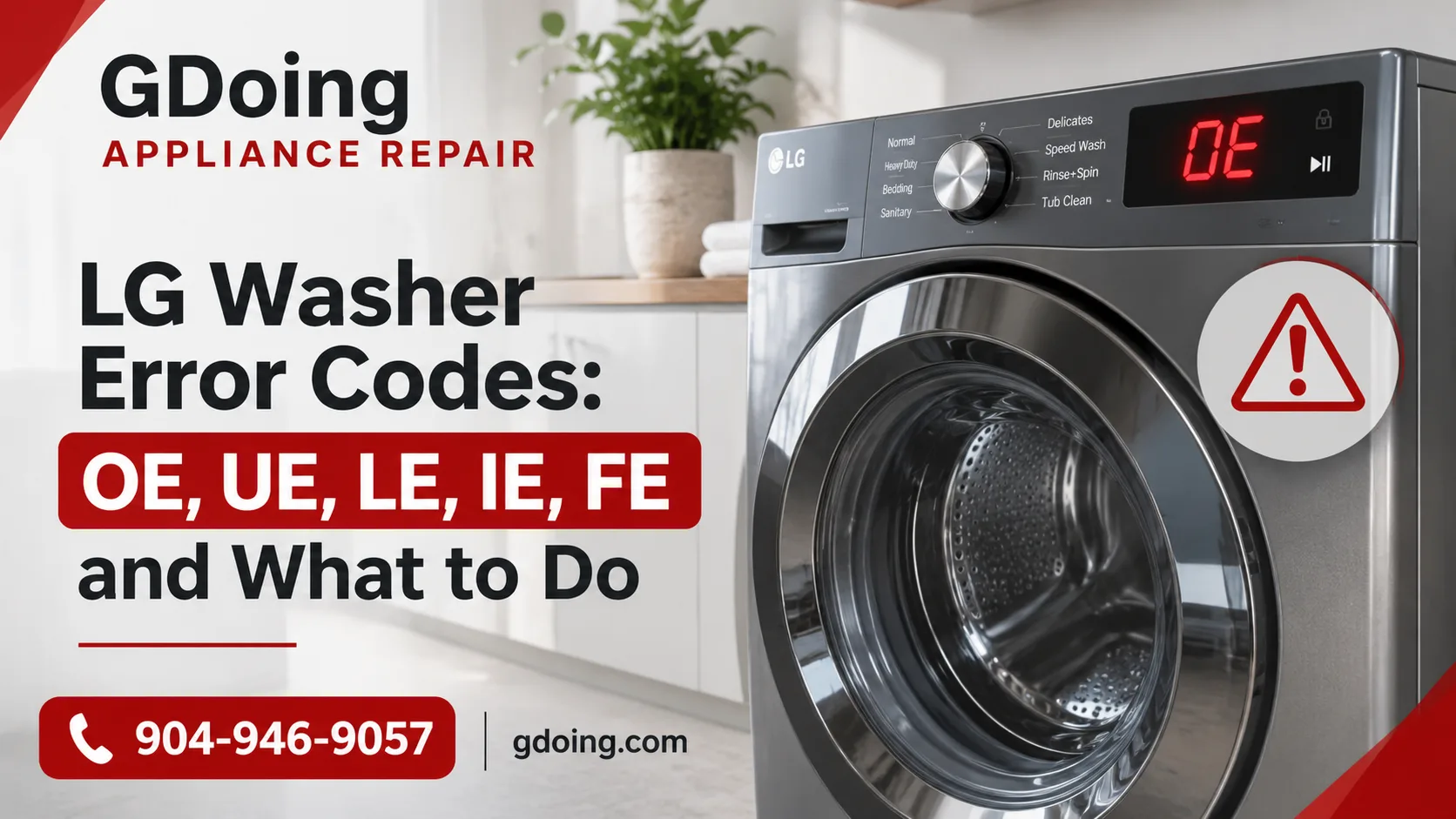
You press Start, walk away, and come back to a dead washer, a soaked load of laundry, and two letters blinking on the display. It’s frustrating, but it’s also useful: your LG is telling you what went wrong.
Most LG washer error codes point to a simple cause, like a clogged filter or a lopsided load, and you can often clear them in about 15 minutes. Some, though, signal a failing part, and ignoring them can make the repair bigger. This LG washer troubleshooting guide covers the five most common error codes, explains what causes them, and shows you what you can safely try before calling a professional.
Before You Start: Two Quick Tips
-
Photograph the display. Some codes vanish after a power cycle, and a technician can use the exact code.
-
Try a basic reset. Unplug the washer, wait a few minutes, plug it back in, and restart. LG recommends waiting about five minutes for certain codes, since a temporary glitch can clear this way.
|
Code |
Meaning |
DIY-friendly? |
|
OE |
Water won’t drain |
Often |
|
UE |
Load is unbalanced |
Often |
|
LE |
Drum or motor is locked |
Sometimes |
|
IE |
Water won’t fill |
Often |
|
FE |
Tub is overfilling |
Call a pro |
LG Washer Error Code OE: Water Won’t Drain
Short answer: OE means the washer couldn’t pump out the water in time. The usual causes are a clogged drain filter, a kinked hose, or a clog in your home’s drain.
The LG washer error code OE is the one we see most. According to LG’s OE troubleshooting guide, the main suspects are a blocked drain filter, a pinched or frozen drain hose, and a household drain that’s backed up.
Try this, in order:
-
Check the hose. Slide the washer out and look for kinks or a hose crushed against the wall. Vibration can pinch it over time.
-
Rule out your plumbing. Take the hose out of the standpipe, aim it into a bucket, and run a Spin Only cycle. If water flows out, the washer is working and the clog is in your home’s drain.
-
Clean the pump filter. Open the small panel at the bottom front, place a shallow pan and towel underneath, and drain the leftover water through the little hose (it can be hot). Turn the filter counterclockwise, pull it out, and scrub away lint, coins, and hair ties. Reinstall it firmly.
-
Listen for the pump. On a Spin Only cycle you should hear a hum for the first few seconds. If you don’t, the drain pump itself may have failed.
Expert tip: too much detergent creates suds, which can keep the pump from draining. Use HE detergent and measure it.
If the filter and hose are clean and the code keeps returning, see our guide on why your washer is not draining properly for what else can cause it.
LG Washer Error Code UE: Unbalanced Load
Short answer: UE means the drum couldn’t balance the laundry well enough to spin safely. Redistributing the load or leveling the washer fixes it most of the time.
The LG washer error code UE appears when weight shifts to one side of the drum. Spinning that way would shake the machine hard, so it stops.
Case matters here. On LG top-load models, a lowercase uE means the washer is still trying to rebalance on its own, so give it a few minutes. A capital UE means it gave up after several attempts and needs you.
Common causes:
-
Bulky items (comforters, bath mats, towels) bunched on one side
-
A single heavy item, or a drum that’s overfilled. LG’s guidance is to fill the drum to about two-thirds for the best results
-
An unlevel washer
Fix it:
-
Pause, open the door, and spread the laundry out. Add a couple of towels to very small loads.
-
Wash heavy and light items separately.
-
Press down on opposite top corners. If the washer rocks, adjust the feet until all four sit firmly, then tighten the lock nuts.
-
Run Spin Only to finish the cycle.
LG’s UE guide walks through the same steps with photos.
When it’s not the laundry. If UE keeps appearing on balanced loads and a level floor, the cause is likely mechanical: worn shock absorbers, a damaged suspension spring, or a failing bearing. For more on that, read why your washer isn’t spinning properly.
LG Washer Error Code LE: Locked Drum
Short answer: LE means the motor can’t turn the drum, usually because of an overload or an object stuck in the tub. If it repeats, stop using the washer.
The LG washer error code LE shows up when the drum fails to rotate. LG’s LE page says it can happen when the washer is overloaded or when a foreign object is stuck in the tub.
Try this:
-
Unplug the washer, wait about five minutes, and restart.
-
Remove some laundry. For large bedding, use the Bedding cycle.
-
Check for coins or small objects in the drum.
Know when to stop. If LE comes back, the drum won’t turn, or you hear grinding or humming, unplug the washer and don’t keep restarting it. A strained motor can overheat, and possible causes include a worn bearing, a faulty motor sensor, or a control board. Unusual sounds alongside the code? Our article on why washers make loud or unusual noises can help you narrow it down.
LG Washer Error Code IE: Water Won’t Fill
Short answer: IE means the tub didn’t reach the right water level in time. Closed taps, kinked hoses, and clogged inlet screens cause most cases.
The LG washer error code IE is a water inlet error. LG’s IE guide adds a detail many homeowners miss: on front-loaders, a drain hose set too low can let water leak out as the tub fills.
Try this:
-
Make sure both taps are fully open.
-
Straighten kinked or squeezed inlet hoses.
-
Shut off both taps, unscrew the hoses at the back, pull out the small mesh screens, and rinse off sediment with a soft brush. Reattach firmly.
-
Check that the drain hose is snapped securely into its holder.
If the screens are clean and pressure is good but IE persists, the inlet valve may be failing, which needs a repair.
LG Washer Error Code FE: Overfill
Short answer: FE means the tub is taking in too much water, most often from an inlet valve that won’t shut off. Treat it as a repair.
The LG washer error code FE is rare, but it’s the one most likely to cause a flood. As Sears PartsDirect notes, the drain pump often runs nonstop when FE appears, as the washer tries to get rid of the excess.
What to do:
-
Close both water taps.
-
Unplug the washer for a few minutes, plug it back in, and run a Spin cycle to drain the tub.
If FE returns, call a technician. A stuck valve can leak or flood, and the replacement part needs to be matched and tested properly.
Real Case: LG Front-Loader Drum Replacement in St. Augustine
Sometimes the code isn’t about the laundry at all. A recent call from St. Augustine shows how.
The call. A homeowner in St. Augustine contacted GDoing Appliance Repair about an LG front-load washing machine that repeatedly displayed the UE (Unbalanced Load) error. The washer had become increasingly noisy during the spin cycle, with noticeable banging and excessive vibration. The owner had already tried redistributing the laundry, running smaller loads, and restarting the machine, but the error kept coming back.
The diagnosis. Our technician inspected the washer's leveling, suspension, drum movement, and internal components. The initial checks ruled out an uneven load and basic installation issues. Further inspection revealed damage to the drum assembly, which caused the drum to move unevenly during high-speed spinning. This explained why the UE error continued to appear even after the homeowner followed the usual troubleshooting steps.
The fix. We replaced the damaged drum assembly using manufacturer-grade replacement parts. After installation, our technician checked the drum's movement, verified proper operation, and ran a test cycle to confirm that the washer was spinning smoothly without excessive vibration. The repair was completed in approximately 1.5 hours during a single service visit.
The result. The drum operated smoothly, the excessive noise and vibration were eliminated, and the UE error no longer appeared during testing. The homeowner could use the washing machine normally again without repeatedly dealing with interrupted spin cycles.
The takeaway: If your LG washer keeps displaying a UE error despite balanced loads and proper leveling, the problem may be mechanical. A professional inspection can help identify whether the issue involves the drum assembly, suspension system, or another internal component.
DIY or Call a Pro?
Here’s a simple rule: if the fix involves a filter, hose, tap, or the laundry itself, try it. If it involves the drum, motor, valve, or electronics, call us.
Call a technician if:
-
The same code returns after the basic checks
-
You hear grinding, banging, or humming
-
You smell something burning or notice water on the floor
-
The code is FE, or the drum won’t turn
At GDoing, we aim to get you back to a working washer fast, with same-day service when our schedule allows, quality parts, and a warranty on our work.
Keep Your LG Washer Running Smoothly
Most LG washer error codes are less alarming than they look. OE, UE, and IE often come down to a filter, a hose, or a lopsided load. LE and FE deserve more caution, and any code that keeps coming back is a sign something inside needs attention.
Can’t clear it? Contact GDoing, and we’ll find the cause and get your washer running again.
FAQ
Can I keep using my LG washer if it shows an error code?
If the code clears after a restart and doesn’t return, usually yes. If it keeps coming back, stop using the washer. Repeated cycles with a locked drum, failing pump, or overfilling tub can damage other parts or cause leaks.
How do I reset my LG washer?
Unplug it, wait about five minutes, plug it back in, and restart. This clears temporary glitches but won’t fix a mechanical fault.
What’s the difference between uE and UE?
On top-load models, lowercase uE means the washer is still trying to rebalance. Capital UE means it couldn’t, so you need to redistribute the load or check that it’s level.
Why do I get different codes on different days?
They can share one root cause. A worn bearing, for example, can trigger UE on one load and LE on another. If you see several codes in a short time, have it inspected.
Do I always need a technician for an OE code?
No. Clean the pump filter and check the hose first. If the pump doesn’t hum or OE returns, it’s time to call a pro.